Most people never open the settings in their music app. They install it, sign in and press play, which means they may be listening at whatever quality the app picked for them, often a level chosen to save data rather than to sound its best. A few minutes in the settings, plus a little understanding of where sound quality gets lost, can make a noticeable difference.
This guide walks through the settings that matter, what “lossless” really means, how much data and storage better quality uses, why Bluetooth is often the real bottleneck and how to use an equalizer without making things worse. You do not need expensive gear for most of it, and some of the biggest improvements are free.
Start with your app’s quality settings
Music apps usually let you choose a quality level, and many keep separate settings for streaming on Wi-Fi, streaming on mobile data and downloads. To save data, an app may use an automatic setting or a lower quality on mobile data, and data saver modes can lower it further. Menu names differ between apps and change with updates, but look for a section called something like audio quality, sound or playback.
A sensible setup for most people is the highest available quality on Wi-Fi and for downloads, with a medium or automatic setting on mobile data unless you have a generous data plan. Downloading your favorite playlists at home on Wi-Fi is the simplest way to get high quality on the go without touching your mobile data. Some quality levels depend on your plan, so check what yours includes.
Lossless versus compressed, in plain terms
Most streaming audio uses a lossy format, which shrinks files by removing sound information that is hard to hear. Bitrate measures how much data is used for each second of music, in kilobits per second (kbps), and in general a higher bitrate keeps more detail. At the higher settings of a good lossy format, many listeners find it hard to tell the difference from the original, especially on everyday headphones or in a noisy place.
Lossless audio, such as FLAC or ALAC files, is also compressed, but in a way that keeps every bit of the original recording, much like a zip file. CD quality, which is 16-bit audio at 44.1 kHz, is the usual reference point. Hi-res audio goes beyond that, with higher bit depths and sample rates. Several major services, including Apple Music, Amazon Music Unlimited, Tidal and, more recently, Spotify on its Premium plans, offer lossless audio, but tiers and availability vary by service and country.
Whether you will hear the difference depends on your ears, your equipment and where you listen. For many people, lossless matters most with good wired headphones or speakers in a quiet room, and very little through basic earbuds on a bus. The good news is that you can test it yourself: play the same track at two settings and see whether you notice a difference.
What better quality costs in data and storage
Higher quality means bigger files, which affects both your data plan and your phone’s storage. You can estimate the cost from the bitrate. Here is a worked example using approximate figures:
- High-quality lossy stream at 320 kbps: about 2.4 MB per minute, or roughly 144 MB per hour.
- CD-quality lossless: often somewhere around 600 to 1,000 kbps once compressed, so roughly 270 to 450 MB per hour, depending on the music.
- Hi-res lossless: several times larger again, and well over 1 GB per hour at the highest settings.
Under those assumptions, two hours of listening on mobile data across 22 workdays uses about 6 GB a month at 320 kbps and roughly 12 to 20 GB at CD-quality lossless. Downloads work the same way: ten hours of lossless music may take roughly 2.7 to 4.5 GB of storage, compared with about 1.4 GB at 320 kbps. If space is tight, keep lossless downloads for the albums you play most and use a lower setting for everything else.
Bluetooth: the bottleneck most people miss
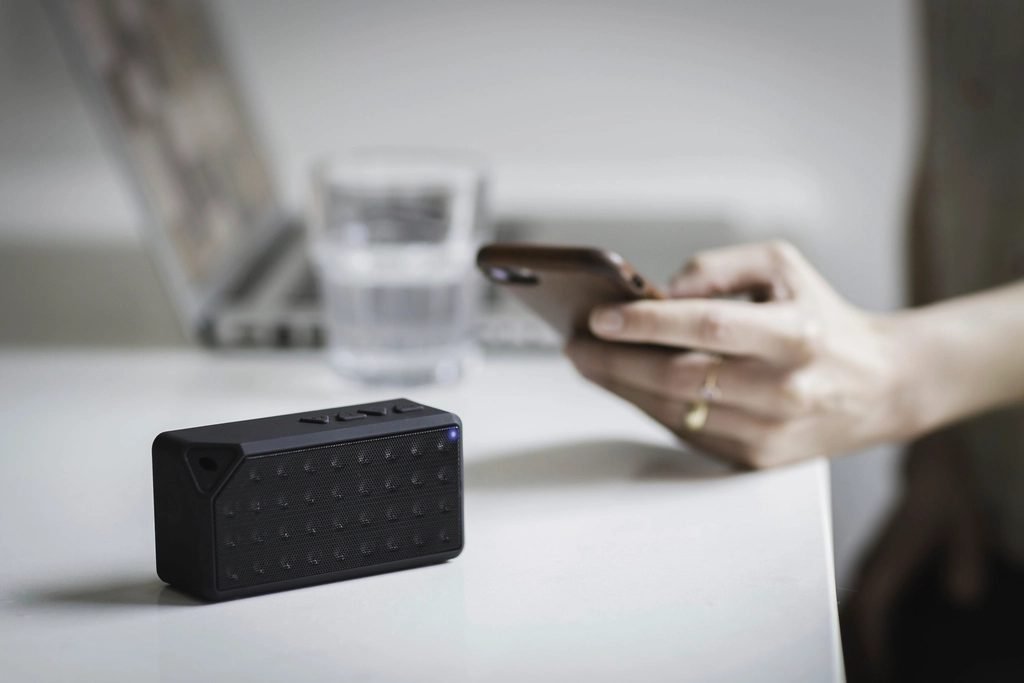
If you listen on wireless headphones or earbuds, your music is compressed again before it reaches your ears. Bluetooth audio relies on a codec, the method your phone uses to squeeze audio into a wireless signal. Common codecs such as SBC and AAC are lossy, and even higher-bitrate options such as LDAC are lossy in everyday use. Truly lossless Bluetooth options exist, but only on a small number of compatible phones and headphones.
That means a lossless setting in your app often uses extra data without fully reaching your ears over Bluetooth. The result is not the same as true lossless playback, and for many listeners the difference will be hard to hear. iPhones use AAC for Bluetooth audio, while some Android phones support additional codecs, but only when the headphones support the same one. Our guide to budget wireless earbuds explains codecs in more detail.
Fit often matters more than any setting. Earbuds that do not seal properly in your ears lose bass and let in background noise, which makes music sound thin no matter what the app is doing. Trying a different ear tip size is one of the cheapest sound upgrades you can make.
Wired options that do not cost much
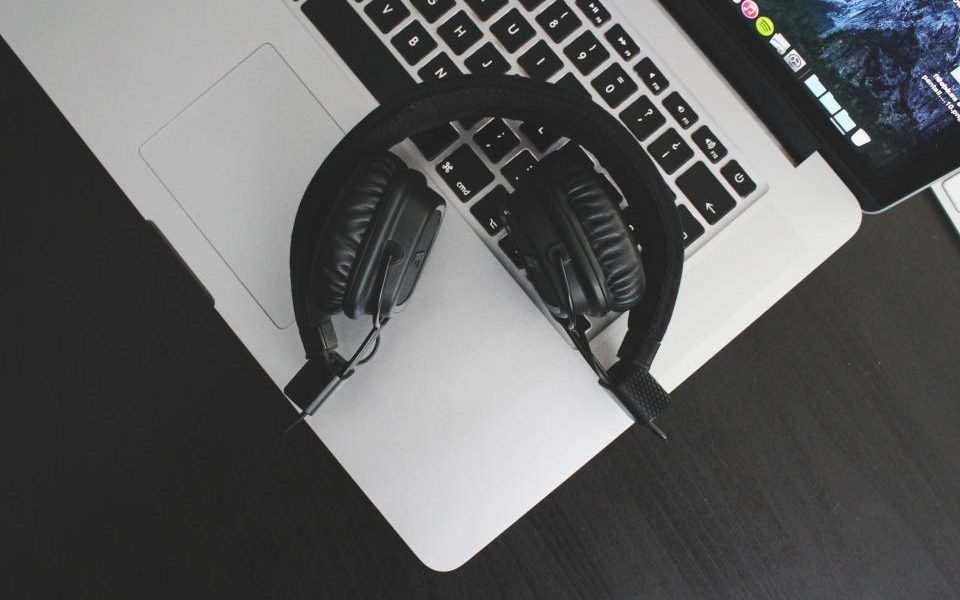
If you want to hear what lossless can do, a wired connection is the most direct route. Wired headphones avoid Bluetooth compression entirely, and a decent pair does not need to be expensive. If your phone or laptop has a headphone jack, you can simply plug in.
Many newer phones have no headphone jack, so you will need a USB-C (or, on older iPhones, Lightning) to 3.5 mm adapter. These small adapters contain a DAC, a digital-to-analog converter that turns the digital file into the signal your headphones play. Basic adapters are inexpensive and handle CD-quality audio well. For hi-res files, you may need an external DAC that supports higher sample rates and, on some phones, specific app settings, so check before you spend.
Use the equalizer, gently
An equalizer, or EQ, lets you raise or lower specific frequency ranges, such as bass, mids and treble. Many music apps include one, and phones often have their own in the sound settings. Presets such as bass boost or vocal are a starting point, but small manual adjustments usually sound more natural.
A few habits help. Cut what bothers you rather than boosting everything else, because big boosts can cause distortion. Make changes in small steps and compare by switching the EQ on and off. Look for a volume normalization setting too, which evens out loudness between tracks: some listeners turn it off for full albums and leave it on for mixed playlists. Finally, keep the volume moderate, because loud listening for long periods can damage hearing, and turn on the headphone volume warnings or limits that most phones include.
Quick checklist
- Set the highest quality for Wi-Fi streaming and downloads.
- Choose a lower or automatic setting on mobile data unless your plan is generous.
- Download favorite playlists at home on Wi-Fi.
- Try lossless on wired headphones before choosing a plan for it.
- Remember that Bluetooth compresses audio again, whatever your app setting.
- Check the fit of your earbuds and try other ear tip sizes.
- Use small EQ cuts rather than big boosts, and keep the volume moderate.
The bottom line: better sound starts with free changes, namely your settings, your downloads and the fit of what you wear. Only after that is it worth thinking about lossless plans, wired headphones or a small DAC. If you pay for several music and video services, our guide to cutting streaming costs shows how to trim the bills, and if you want to hear music in a different way altogether, read about starting a vinyl collection without overspending. You will find more in our entertainment section.